
Npv Tunnel Apk: A V2ray and SSH VPN tool for secure, private internet browsing and bypassing censorship on Android devices.

Npv Tunnel APK v123.1
Npv Tunnel APK
Download for Android
| App Name | Npv Tunnel |
|---|---|
| Package ID | com.napsternetlabs.napsternetv |
| Genre | Apps, Tools |
| Size | 35.3 MB |
| Latest Version | 123.1 |
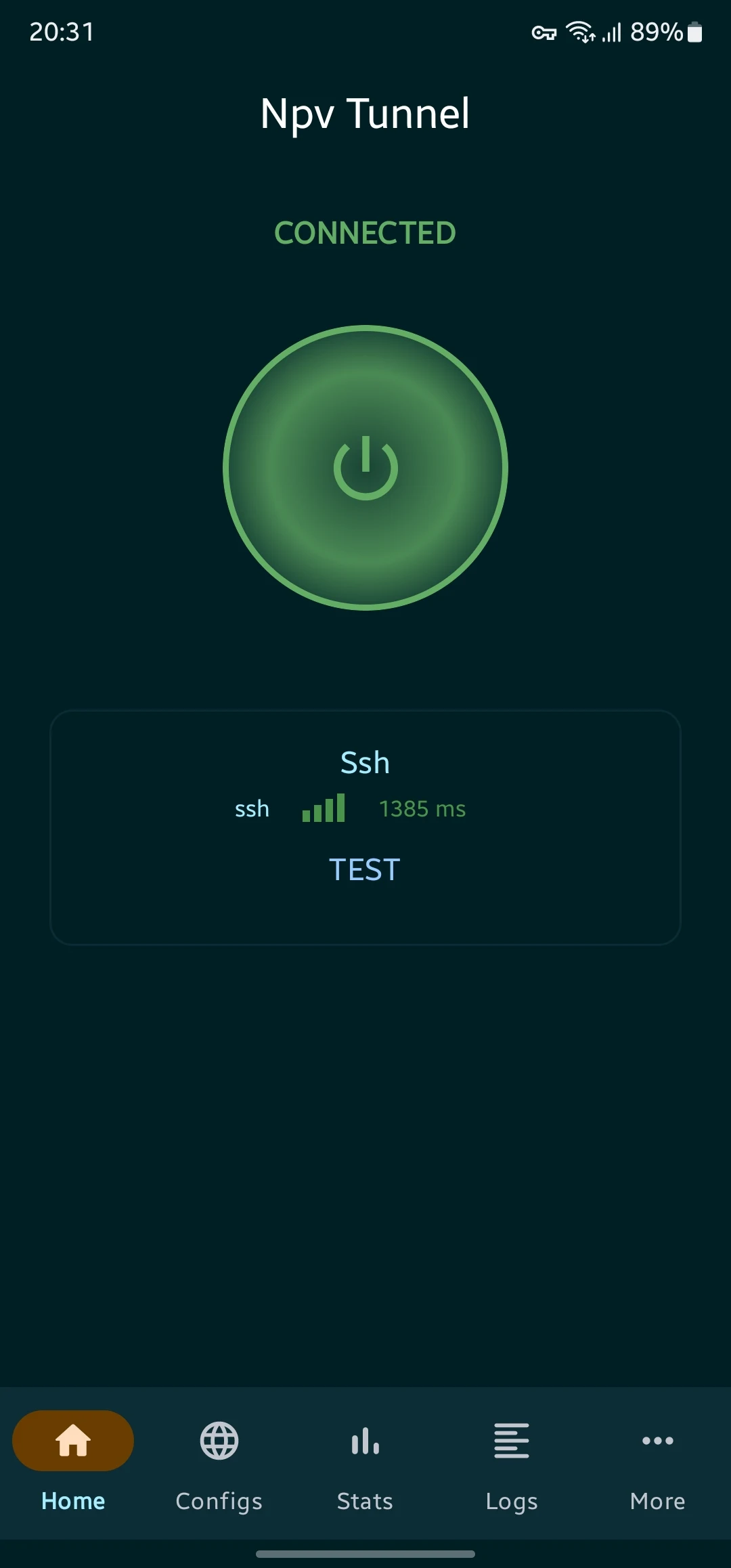
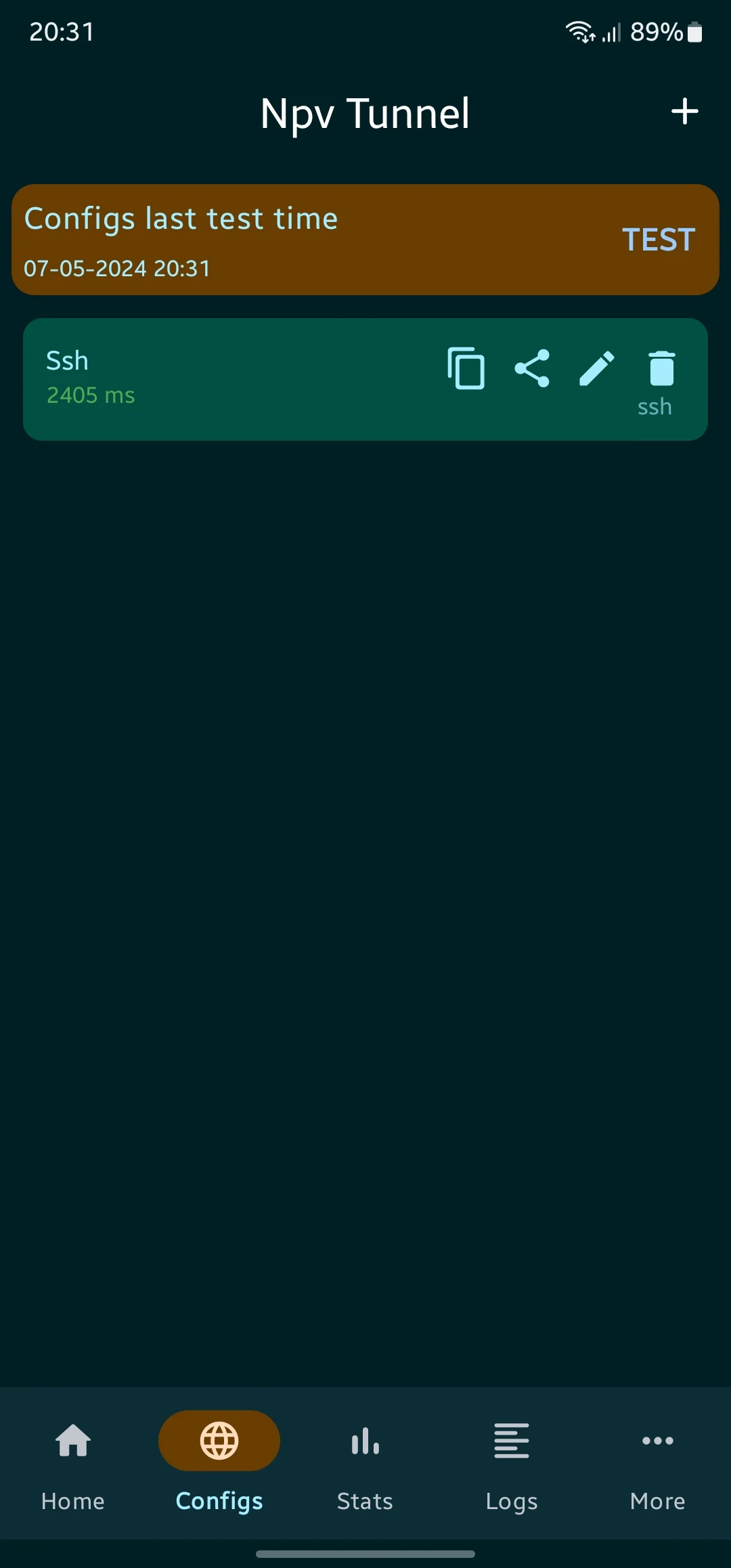
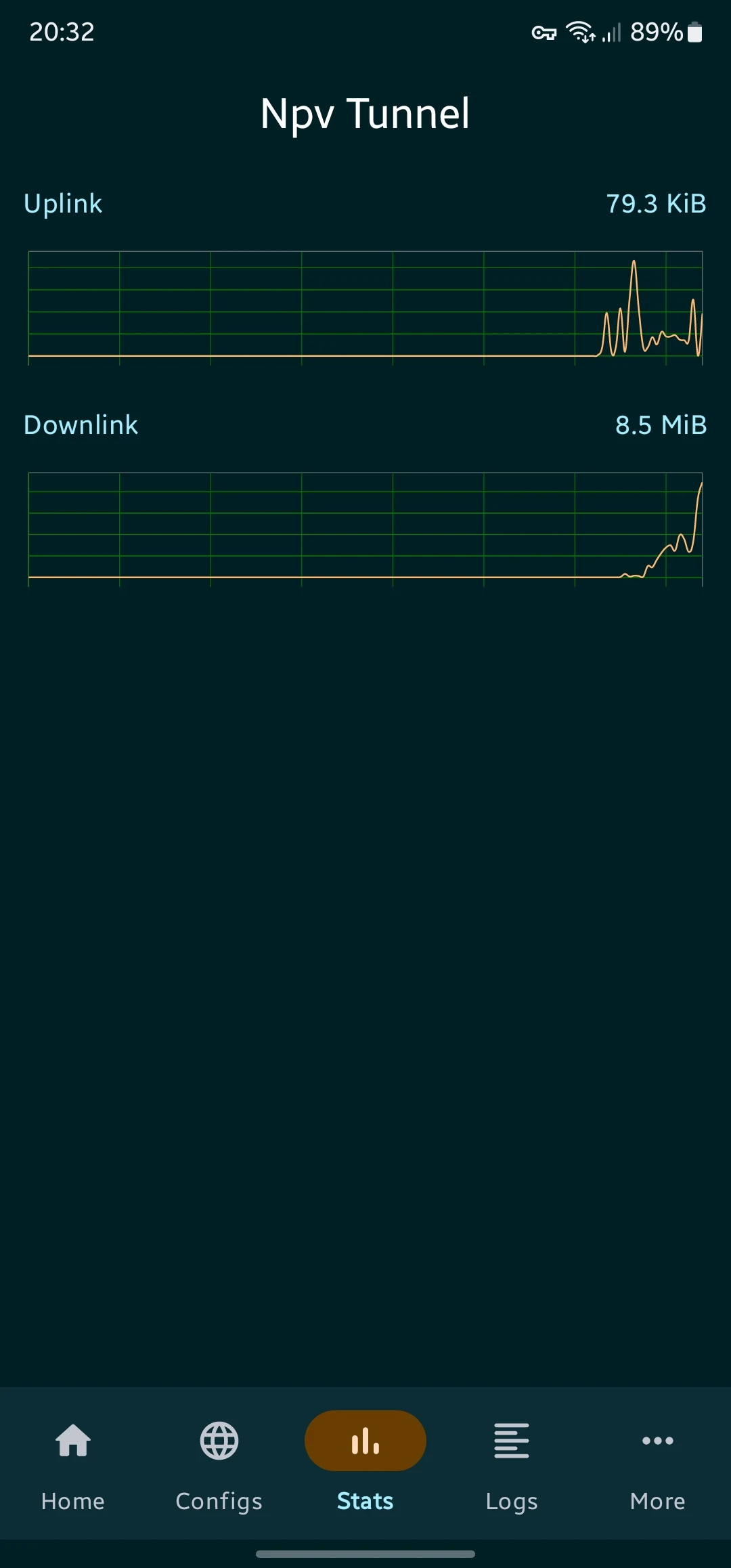
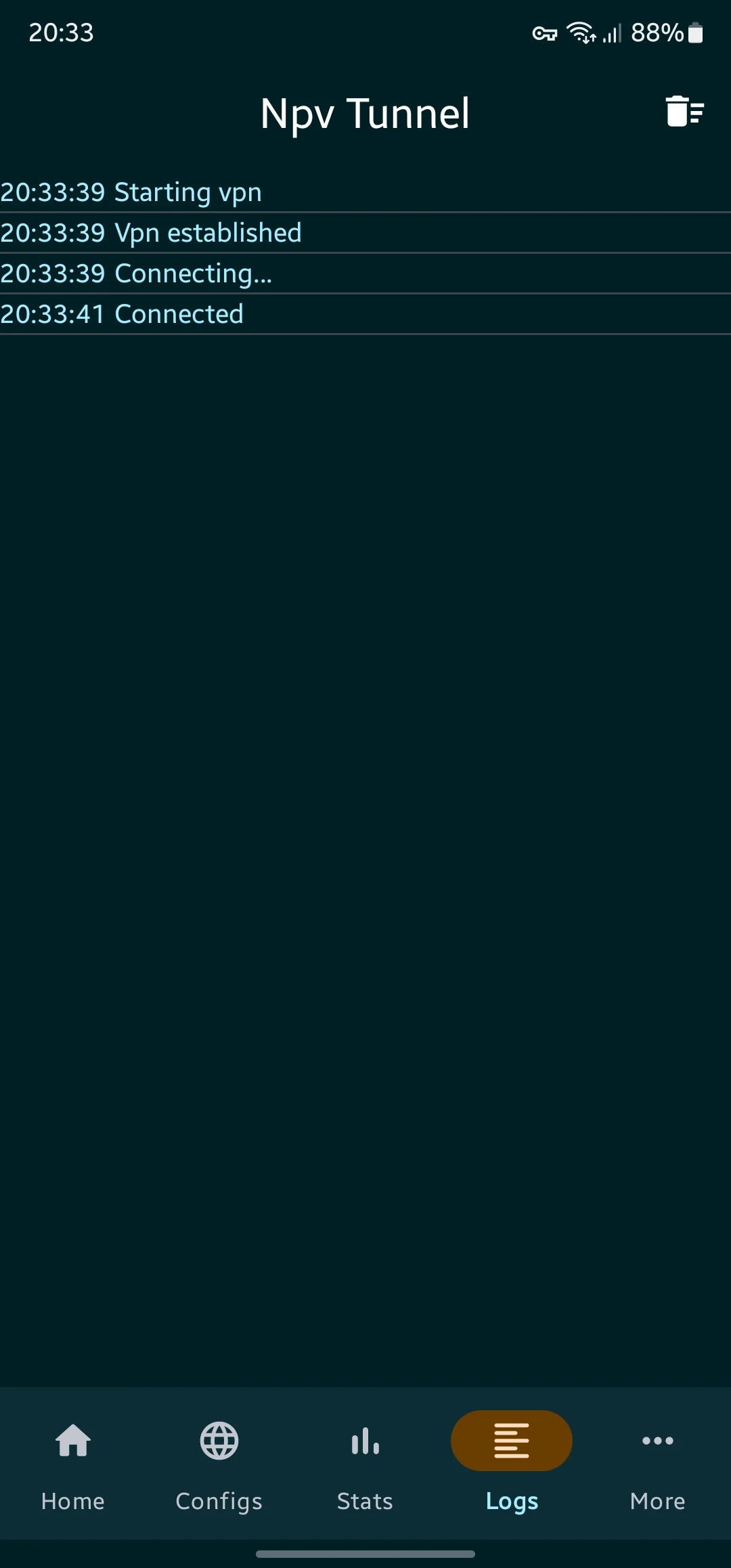
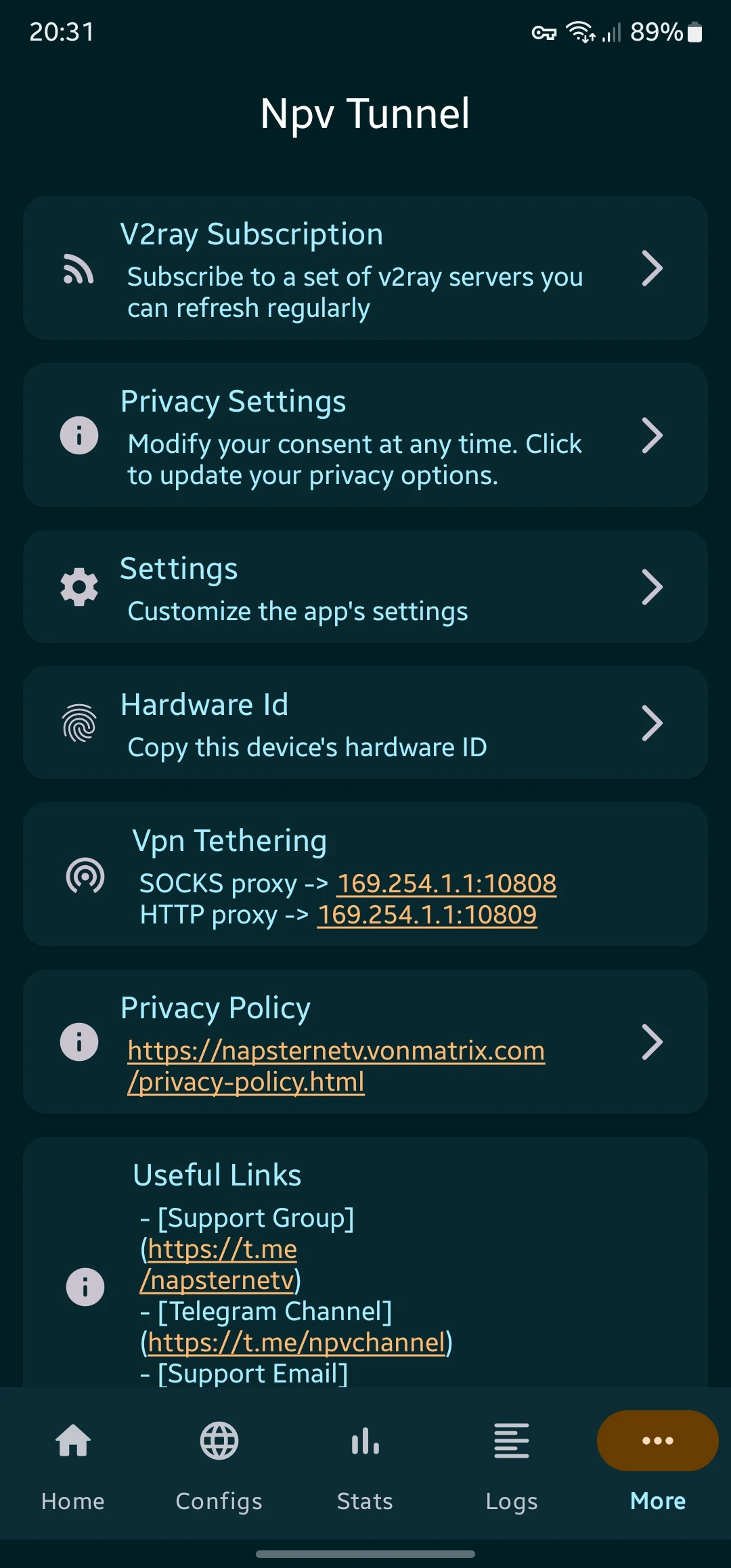
Discover Npv Tunnel APK for Android
In today’s digital age, privacy and security are more important than ever. With so much of our lives happening online, it’s crucial to ensure that our internet activities are safe from prying eyes. That’s where the Npv Tunnel APK comes in. This powerful tool is designed to help Android users browse the internet privately and securely, making it a must-have for anyone concerned about their online privacy.
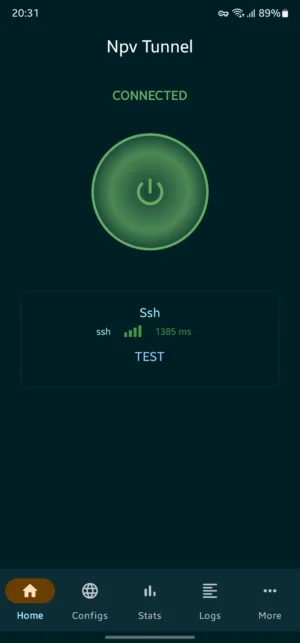
What is Npv Tunnel?
Npv Tunnel is a VPN client tool that uses V2ray and SSH protocols to provide a secure browsing experience. But what does that mean? Well, a VPN, or Virtual Private Network, is like a secret tunnel for your internet connection.
It hides your online activities from anyone who might be watching, such as hackers or even your internet service provider. Npv Tunnel takes this a step further by using advanced protocols like V2ray and SSH to ensure that your data is not only hidden but also encrypted, making it nearly impossible for anyone to intercept or decipher.
Key Features of Npv Tunnel
Npv Tunnel is packed with features that make it stand out from other VPN tools. Here’s what you can expect:
- Multi-Protocol Support: Npv Tunnel supports a variety of protocols including Vless, Vmess, Shadowsocks, Trojan, and Socks. This means you have multiple options for securing your connection, depending on your needs and preferences.
- User-Controlled Connectivity: You have the freedom to control how your connection is set up. Whether you want to prioritize speed or security, Npv Tunnel gives you the flexibility to choose.
- Bypass Internet Censorship: If you live in an area where certain websites or services are blocked, Npv Tunnel can help you bypass these restrictions and access the content you want.
- Superior Privacy and Security: With its advanced encryption methods, Npv Tunnel ensures that your data remains private and secure, even on public Wi-Fi networks.
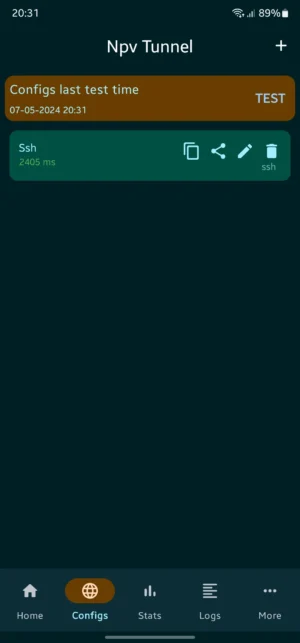
How to Download and Install Npv Tunnel APK
Getting started with Npv Tunnel is easy. Follow these simple steps to download and install the APK on your Android device:
- Download the APK: Click the download button at the top to download the latest version of Npv Tunnel APK directly to your device.
- Enable Unknown Sources: Before installing the APK, you need to allow your device to install apps from unknown sources. Go to Settings > Security > Unknown Sources and toggle it on.
- Install the APK: Locate the downloaded file in your device’s file manager and tap on it to start the installation process.
- Launch the App: Once installed, open the app and follow the on-screen instructions to set up your VPN connection.
Why Choose Npv Tunnel?
You might be wondering why you should choose Npv Tunnel over other VPN services. Here are a few reasons:
- Customizable Settings: Unlike many VPNs that offer a one-size-fits-all approach, Npv Tunnel allows you to customize your connection settings. This means you can tailor the service to meet your specific needs, whether that’s faster speeds for streaming or stronger encryption for sensitive data.
- Reliable Performance: Npv Tunnel is designed to provide a stable and reliable connection, even in areas with unstable internet. This means you can count on it to keep you connected when you need it most.
- No Logs Policy: Your privacy is the top priority. Npv Tunnel has a strict no-logs policy, meaning they do not track or store any of your online activities.
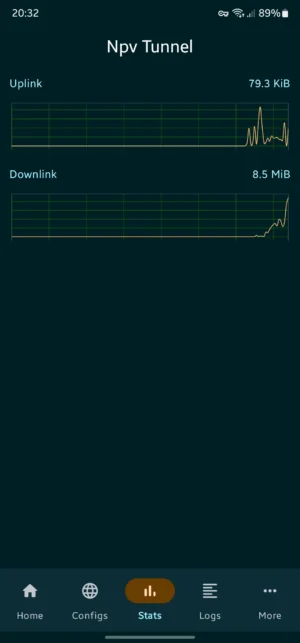
Understanding V2ray and SSH Protocols
To fully appreciate what Npv Tunnel offers, it’s helpful to understand the protocols it uses. V2ray and SSH are both advanced technologies that enhance your online security.
- V2ray: This is a platform that provides a variety of protocols to improve your internet connection’s privacy and security. It’s highly customizable, allowing users to configure it to their specific needs.
- SSH (Secure Shell): SSH is a protocol used to securely access and manage devices over an unsecured network. It encrypts the data being transferred, ensuring that your information remains confidential.
Tips for Using Npv Tunnel Effectively
To get the most out of Npv Tunnel, consider these tips:
- Regularly Update the App: Developers frequently release updates to improve performance and security. Make sure you have the latest version installed to benefit from these enhancements.
- Experiment with Protocols: Different protocols may offer varying levels of speed and security. Try them out to see which one works best for your needs.
- Use on Public Wi-Fi: Public Wi-Fi networks are notorious for being insecure. Always use Npv Tunnel when connecting to these networks to protect your data.
Troubleshooting Common Issues
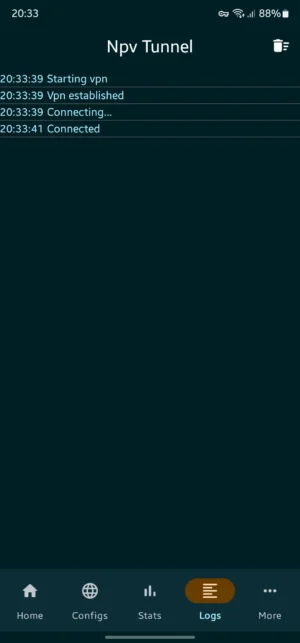
While Npv Tunnel is designed to be user-friendly, you might encounter some issues. Here are solutions to common problems:
- Connection Drops: If your connection keeps dropping, try switching to a different protocol or server. This can often resolve stability issues.
- Slow Speeds: If your internet speed is slower than expected, check if your chosen protocol is optimized for speed. You can also try connecting to a server closer to your location.
- Installation Problems: If you have trouble installing the APK, ensure that your device allows installations from unknown sources and that you have enough storage space available.
Frequently Asked Questions
Is Npv Tunnel free to use?
Yes, Npv Tunnel offers a free version with basic features. However, there may be premium options available for users who want access to additional features and enhanced performance.
Can I use Npv Tunnel on other devices?
Currently, Npv Tunnel is designed for Android devices. Check the app store or the developer’s website for any updates regarding compatibility with other platforms.
How do I know if Npv Tunnel is working?
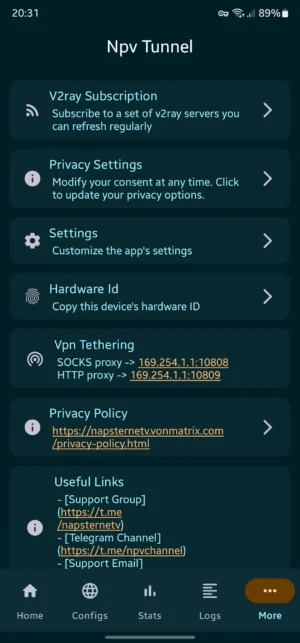
Once connected, Npv Tunnel will display a notification indicating that your VPN is active. You can also check your IP address online to confirm that it has changed, indicating that your connection is secure.
What should I do if I forget my Npv Tunnel login credentials?
If you forget your login credentials, you can use the password recovery option provided in the app. Follow the instructions to reset your password and regain access to your account.
Conclusion
Npv Tunnel APK is a powerful tool for anyone looking to enhance their online privacy and security. With its support for multiple protocols and customizable settings, it offers a flexible solution for Android users. Whether you’re trying to bypass internet censorship or simply want to keep your data safe, Npv Tunnel has you covered. Download it today and take control of your online experience!
5/5 (1 vote)